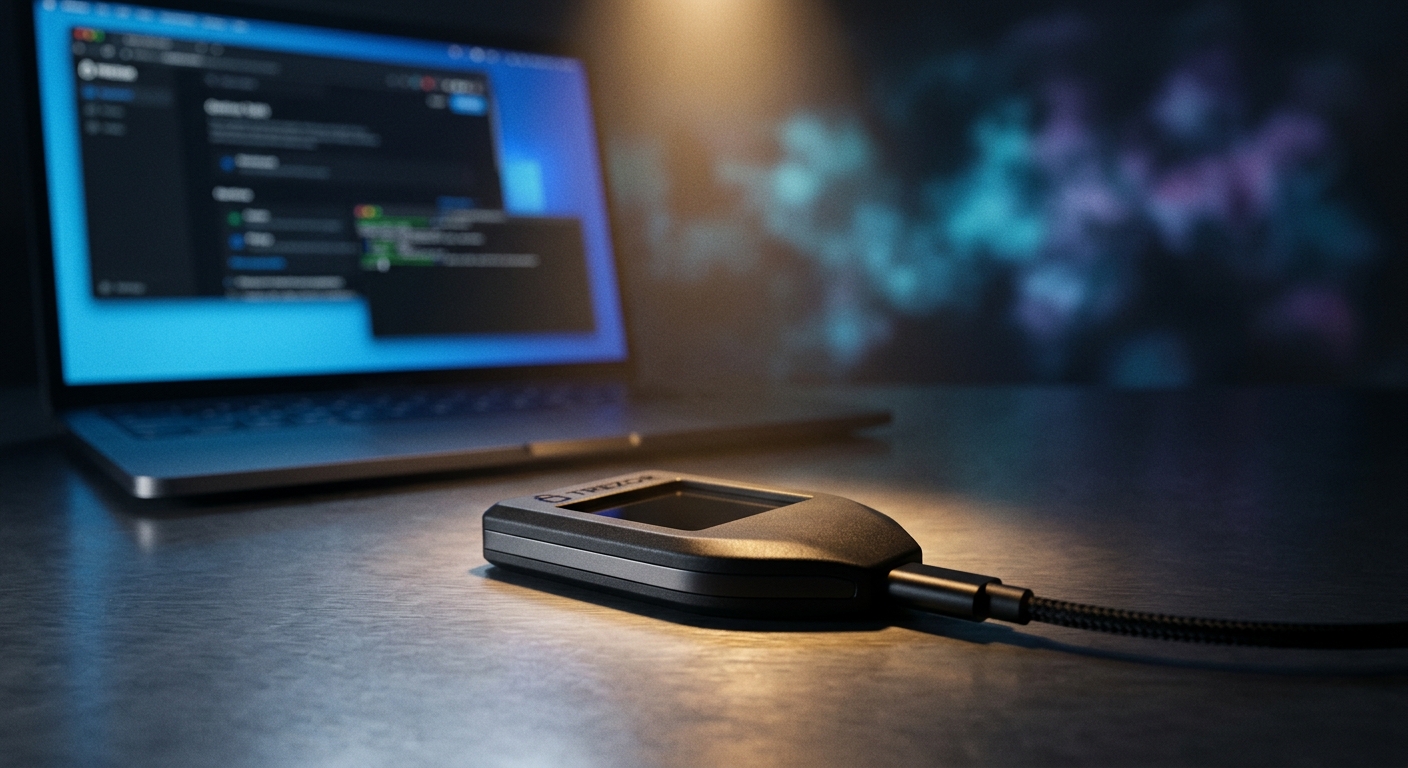
Every major crypto loss story rhymes. An exchange gets hacked, a “support” DM drains a hot wallet, a malicious token approval empties an account overnight. The common thread isn’t bad luck — it’s that the private keys were reachable from an internet-connected device. A hardware wallet exists to break that chain.
Ledger is the most widely used hardware wallet brand in the world, and for good reason. But “most popular” isn’t the same as “right for you,” so here’s an honest breakdown.
What a Ledger Actually Does
A Ledger is a small USB device that stores your private keys offline (“cold storage”) and signs transactions inside the device itself. The keys never leave the hardware — not when you check a balance, not when you send funds. Your computer or phone only ever sees a signed transaction, never the secret that produced it.
The security anchor is a certified Secure Element — the same class of tamper-resistant chip used in passports and payment cards (CC EAL5+ certified). Even with malware on your laptop, an attacker can’t extract keys from the chip, and every transaction must be physically confirmed on the device’s own screen.
The Lineup
- Ledger Nano S Plus (~$79) — the value pick. Big enough screen, USB-C, handles 5,500+ coins and NFTs. No Bluetooth. For most people this is the right buy.
- Ledger Nano X (~$149) — adds Bluetooth so you can manage crypto from your phone without a cable. Bigger battery and storage.
- Ledger Stax / Flex — premium touchscreen devices with a curved E Ink display; nicer UX, higher price.
All of them run through Ledger Live, the companion app for buying, swapping, staking, and managing assets across chains.
The Honest Risks
No review is complete without these:
- The 2020 data breach. Ledger’s e-commerce database (not the devices or keys) was breached, exposing roughly 270,000 customers’ names, emails, and addresses. No funds were lost, but it fueled years of convincing phishing and even physical-threat campaigns. Lesson: never enter your 24-word recovery phrase anywhere, ever — Ledger will never ask for it.
- Ledger Recover. An optional paid service that splits an encrypted backup of your seed across custodians. It’s opt-in and off by default, but it was controversial because it showed the firmware can move seed material under the right conditions. If you want pure self-custody, simply don’t enable it.
- Supply chain. Only buy direct or from authorized resellers, and only initialize a device that generates a brand-new seed. A pre-set recovery phrase is always a scam.
How It Compares
| Ledger | Trezor | Exchange (hot) | |
|---|---|---|---|
| Keys offline | ✅ | ✅ | ❌ |
| Secure Element chip | ✅ | ⚠️ (model-dependent) | ❌ |
| Mobile via Bluetooth | ✅ (Nano X) | ❌ | ✅ |
| You control the keys | ✅ | ✅ | ❌ |
| Coin support | 5,500+ | 1,000s | varies |
Verdict
If you hold more crypto than you’d be comfortable losing to a phishing link or an exchange failure, a hardware wallet isn’t optional — it’s the baseline. Ledger earns the recommendation on its certified secure element, broad asset support, and mature app, as long as you go in clear-eyed: buy direct, guard your recovery phrase offline, and leave Recover off if you want strict self-custody.
For most readers, the Nano S Plus is the sweet spot; step up to the Nano X only if mobile management matters to you.
Secure your crypto with Ledger →
Affiliate disclosure: This article contains affiliate links. If you purchase through our links we may earn a commission at no extra cost to you.